Choose the screens
Bring up to eight PNG, JPEG, or WebP images. Each image can be up to 10 MB.
FREE BROWSER TOOL
Select up to eight owned app screenshots in your browser, set their order, edit three creative directions, review every claim, and download one clean ZIP of 1080×1920 (9:16) PNG slides for an indie app launch, update, or weekly post. Your source files stay in the browser; the free flow does not upload media to ReelParcel, and no account is required.
The GoScript demo loads our September 2026 onboarding screenshot and editable copy; it is our own app, not customer proof. Review every product claim before export. No account is required. For your own work, use screenshots you own or have permission to use.
MADE FROM OUR OWN APP
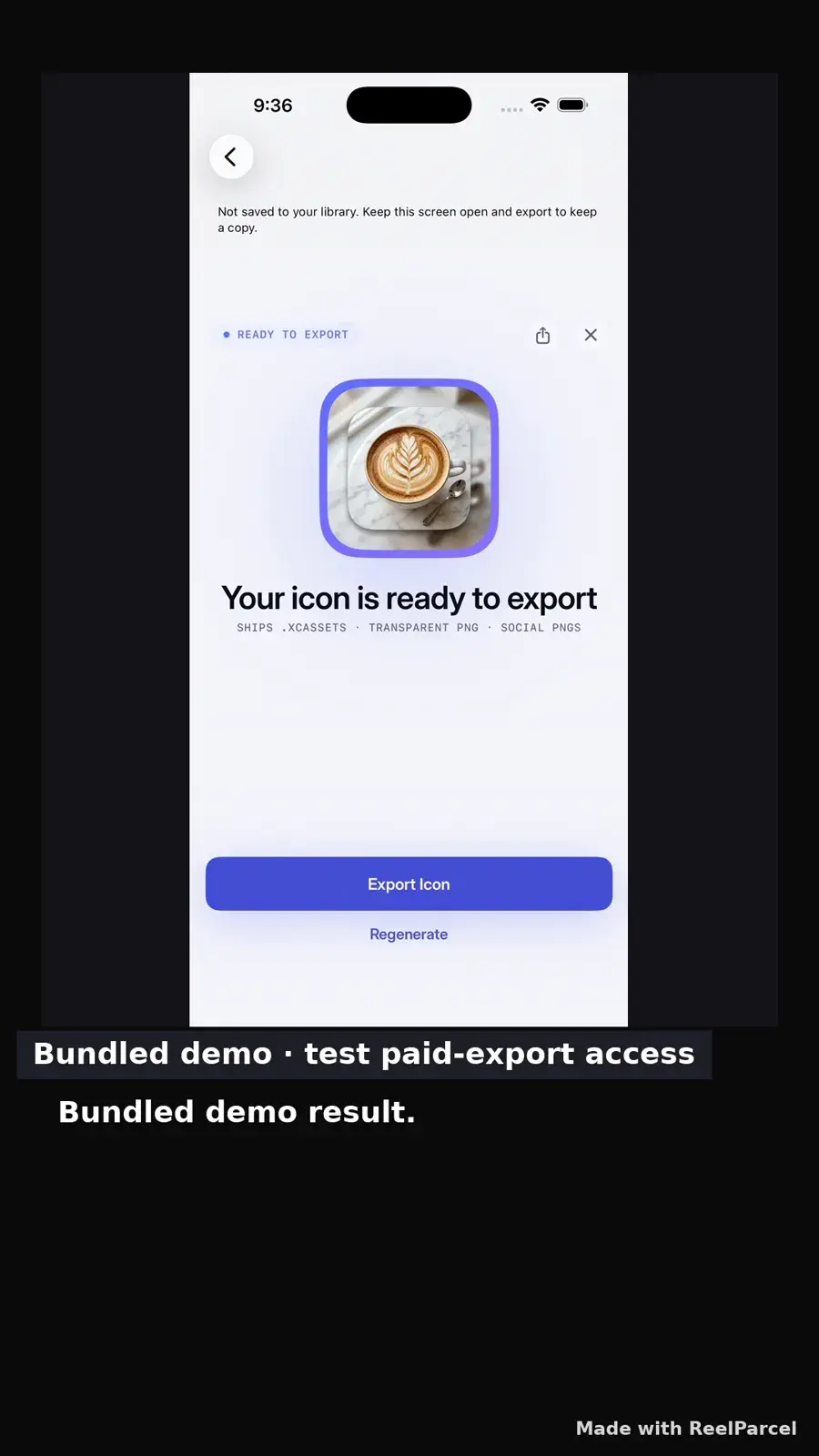
Two frames from our September 2026 Result-to-Export recording become a walkthrough carousel. The downloadable first-party example carries a small “Made with ReelParcel” mark; your own single-carousel Studio export has no watermark. The result is a bundled demo fixture, and paid export access is shown; no new icon was generated or purchased for the capture.
HOW IT WORKS
Start from real screens, arrange their order, then edit the copy for the story you want to review.
Bring up to eight PNG, JPEG, or WebP images. Each image can be up to 10 MB.
Use Up and Down beside each Studio screenshot to reorder it. Edit the app name, benefit, hook, body, and CTA; optional per-image text stays with its screenshot.
Export clean 1080×1920 (9:16) PNG slides in a ZIP. The browser flow needs no account; single videos also export clean, while three-output packs remain watermarked.
Lead with the outcome, follow with the key screen, and close with the action you want someone to take. Preview the exported vertical PNGs in your destination before posting: feed crops and platform controls can cover parts of a 9:16 image. For agent and API availability, read the developer guide.
Use the free app demo video maker with an owned recording or screenshot.
Open the Studio to inspect the available save options after making your browser sample.
Read the support guide for current media types, limits, and browser export details.