Walkthrough
From script to saved takes.
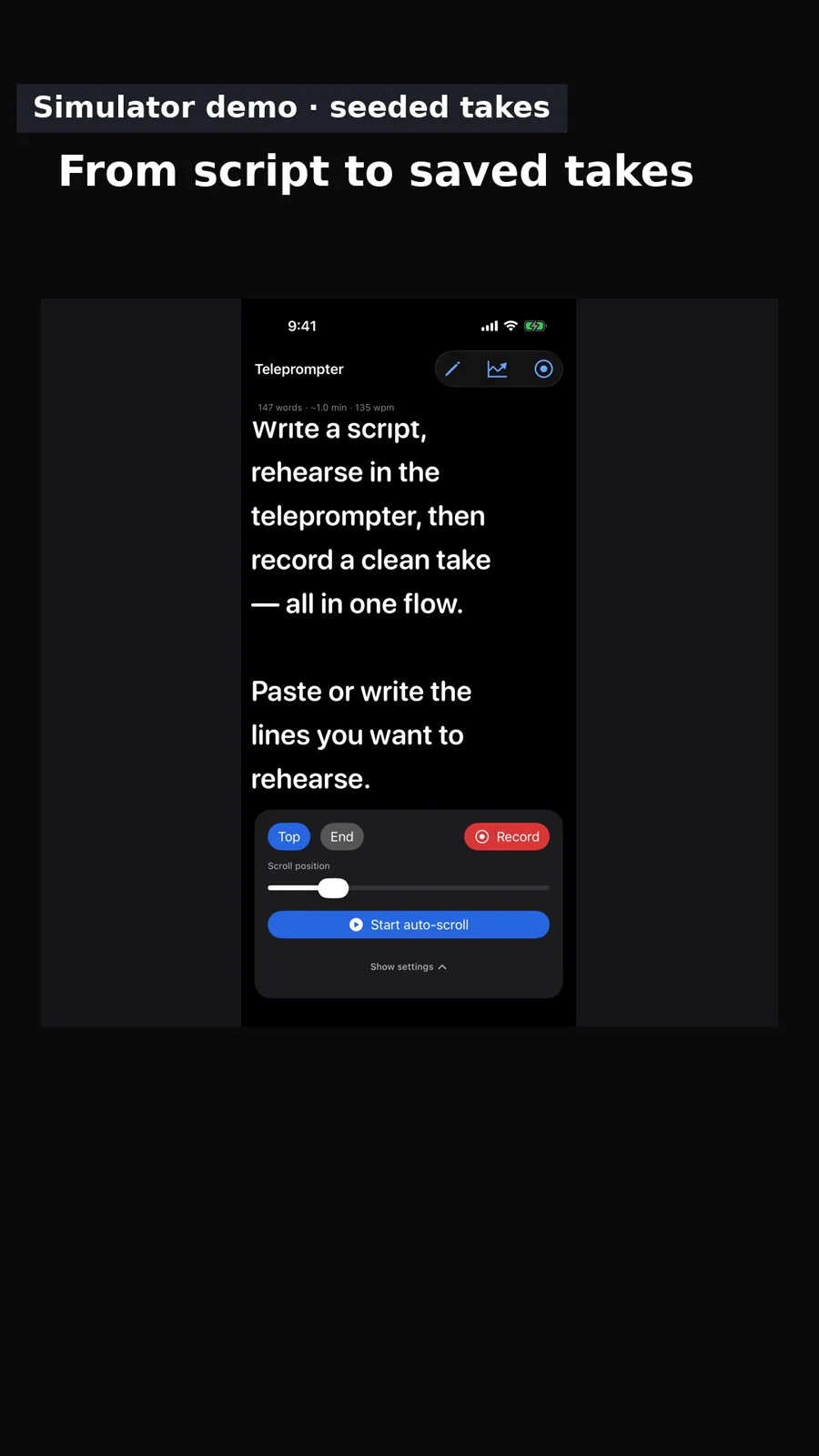
Three first-party GoScript screenshots show a script, the recording screen, then saved takes.
FREE APP DEMO MAKER
Shown: a five-slide carousel made in Studio from three owned GoScript simulator screenshots.
Add screenshots or a recording of your real app, edit the message, and download one clean video or carousel free in your browser.
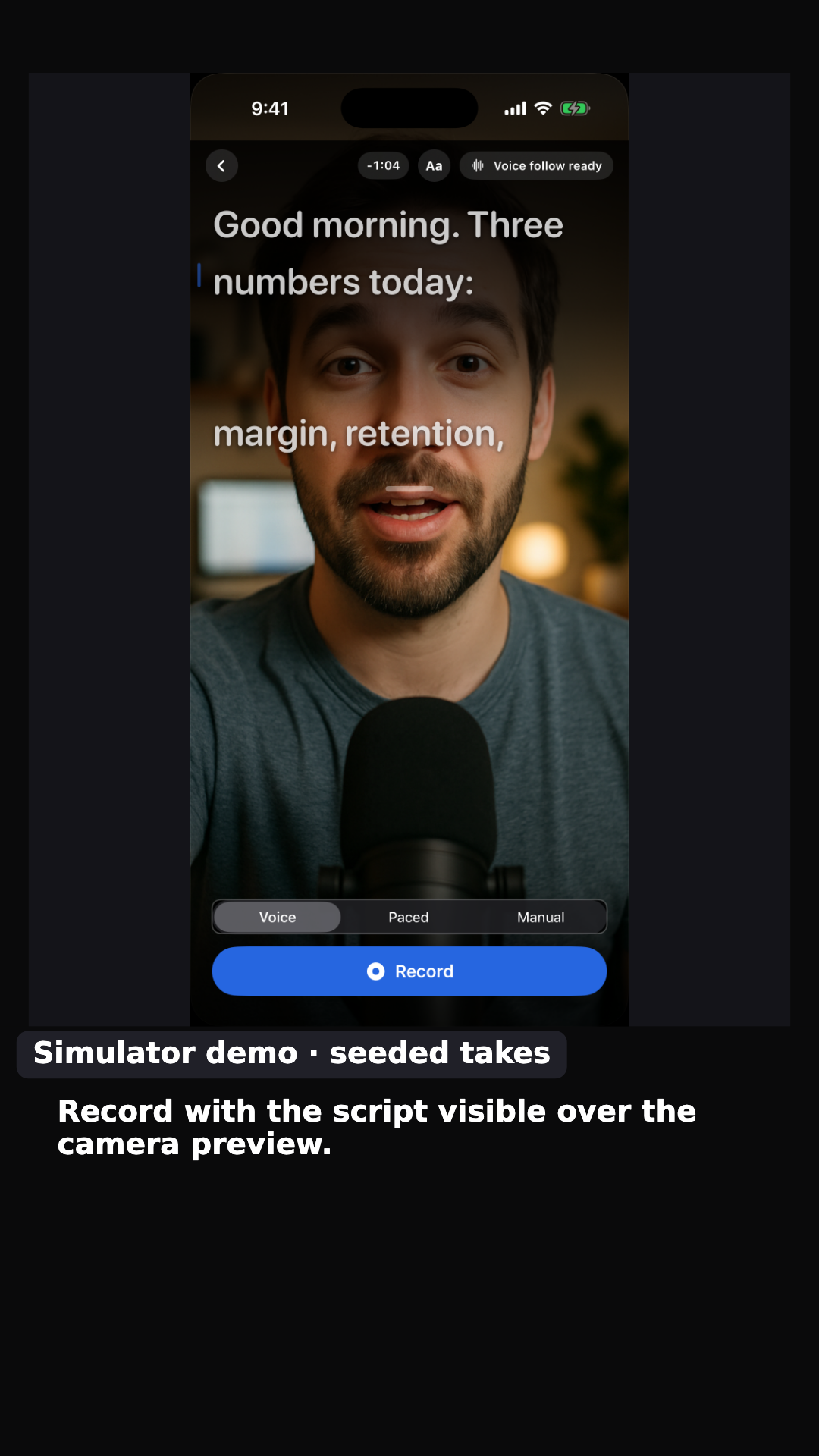
Three owned GoScript simulator screenshots, including a demo camera preview and seeded takes. This carousel does not show recorded interaction or a customer result.
Download these five PNGsStart with your app, finish with a file
MADE FROM OUR OWN APPS
These first-party ReelParcel examples are demonstrations, not customer endorsements. GoScript and Contraction Timer use owned screenshots; IconBundler shows a real tap, then a paused detail from the same bundled-demo recording with test paid-export access disclosed.
Walkthrough
Three first-party GoScript screenshots show a script, the recording screen, then saved takes.
Walkthrough
Our real Result → Save & Share tap, followed by a paused Source detail of the same menu. Bundled demo; test paid-export access disclosed.
Problem → solution
An animated screenshot creative from our own Contraction Timer. The carousel also uses its launch screen.
Inspect all three first-party demonstrations together: finished video and carousel files, source reference images, captions, and a file-hash manifest. These are examples from our own apps, not customer results.
Download the 3-app sample packSOURCE → FINISHED
Every example starts with an owned app capture. Review the source, play the finished creative, then reuse the same recipe with your media.
Try this recipe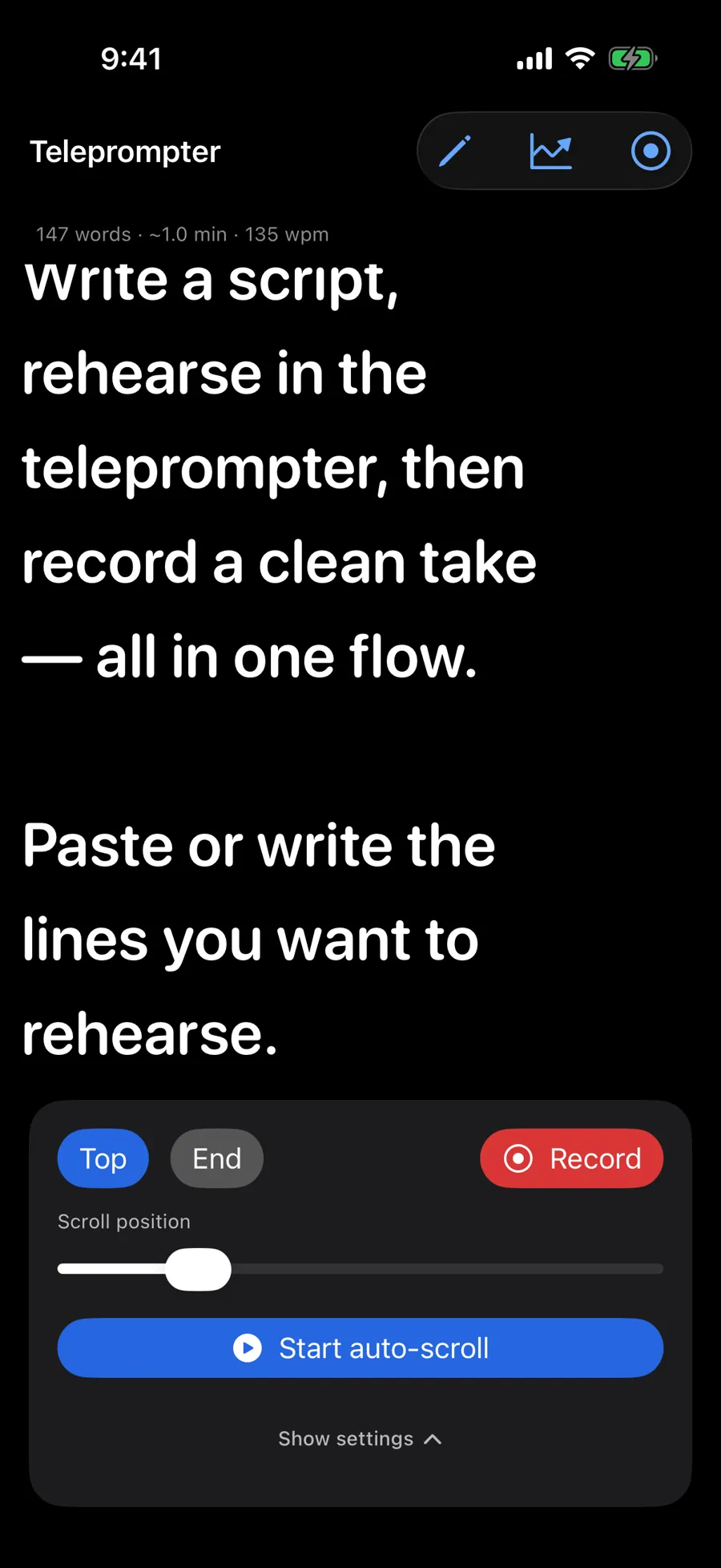
ANOTHER FIRST-PARTY EXAMPLE
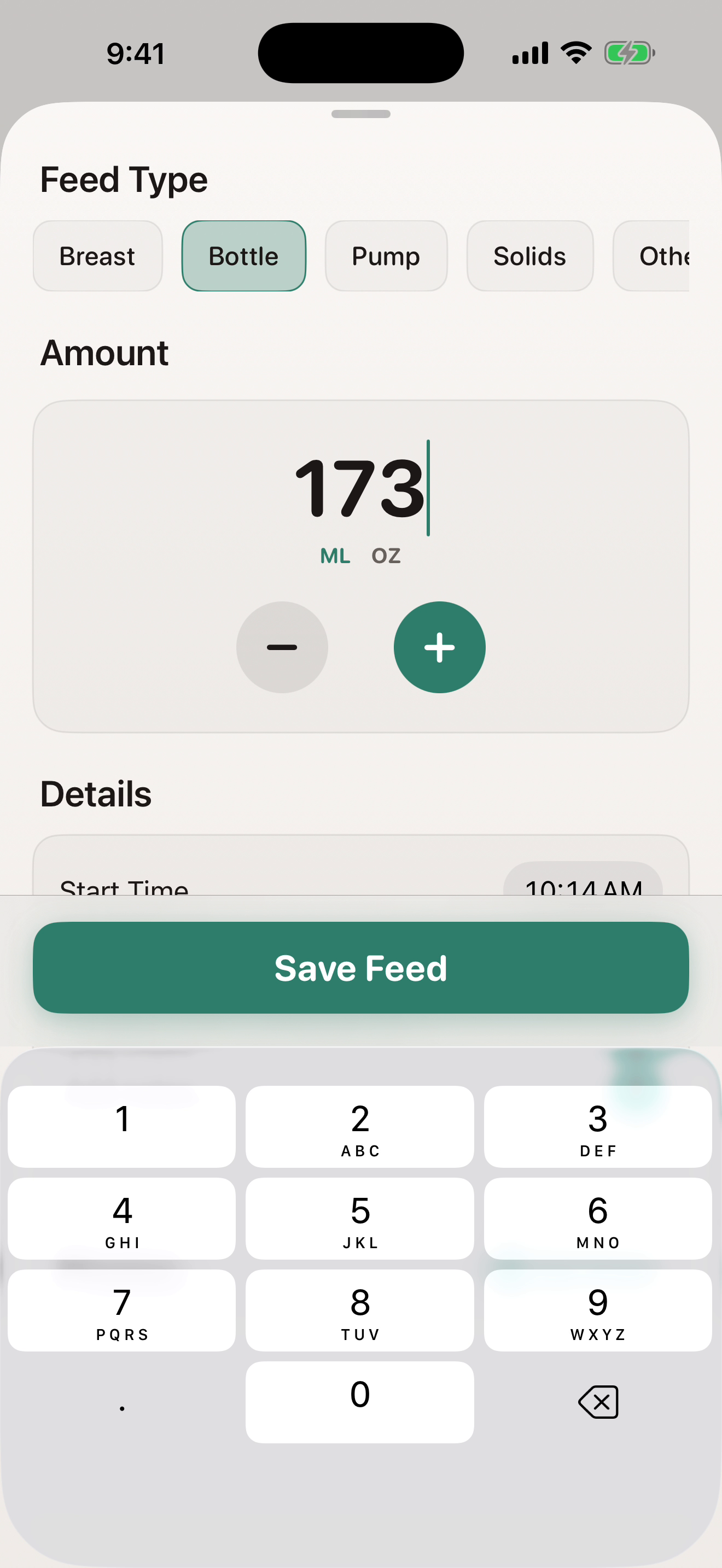
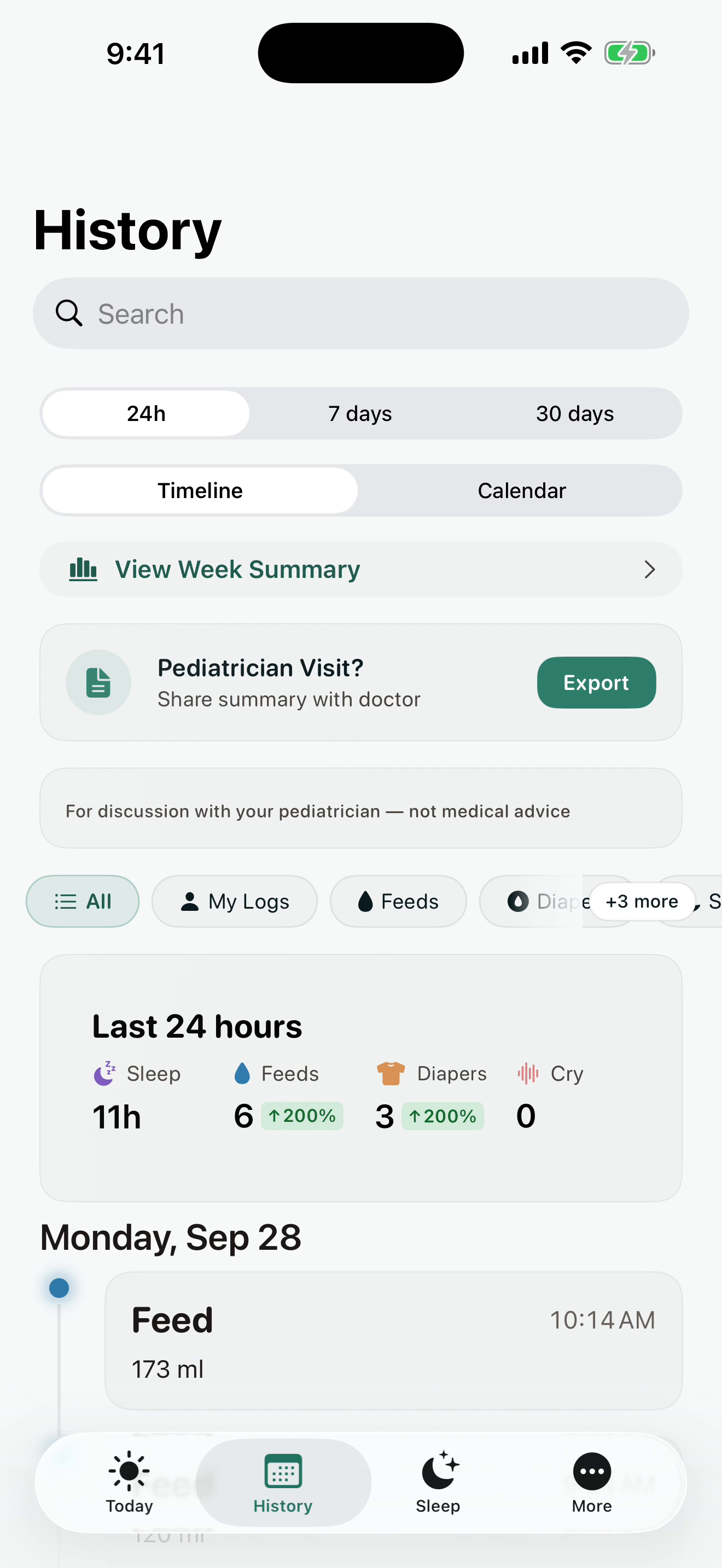
The Nestling UI test saved a 173 ml bottle feed and read back 173 ml in History. This silent video uses two unchanged screenshots from our own iPhone simulator with synthetic seeded data. It describes the Save Feed action in text; it does not show a tap or a customer result.
HOW THE FREE STUDIO WORKS
Add media you own, finish one message, and download one clean video or carousel. Save your draft and media on this device to reuse them later. The free MCP sends your agent’s copy to Studio; you add the media and export here. Check current hosted availability for account-based rendering.
Need a focused guide? Screenshot carousel maker · App demo video maker
See how to turn an app update into a carousel →
See a real recording become an app demo →
See a disclosed input and its actual web result →
Use my appPrepare copy with your agent ↗
Add a recording or screenshots you own. Review each product claim before you export.
Check the draft’s claims against your screens and preview the actual file at phone size. Save the draft on this device if you want to reuse it.
Export a clean single video or carousel ZIP. A three-output sample pack is watermarked. Duplicate a saved draft later without changing the original.
THE REELPARCEL RULE
Your footage.
Bring media you own and know is accurate.
Your words.
Review every product claim before it leaves the studio.
Your next move.
Take the finished file wherever you publish.
FREE BROWSER PREVIEW
Bring screenshots or a recording you own, review each claim, and download clean single videos or carousel ZIPs. Save editable drafts on this device to reuse later.
Use media you own and review the copy before exporting.
HOSTED PACK · $29 ONE TIME
10 successful clean hosted outputs, valid for 90 days. One MP4 or one carousel ZIP uses one output; a three-output pack uses three.
Hosted packs aren’t available in the free beta yet. Checkout is closed.
YOUR NEXT CREATIVE